
Protect and move your data
Back up and restore data
Keep copies of your workouts and restore them when needed.
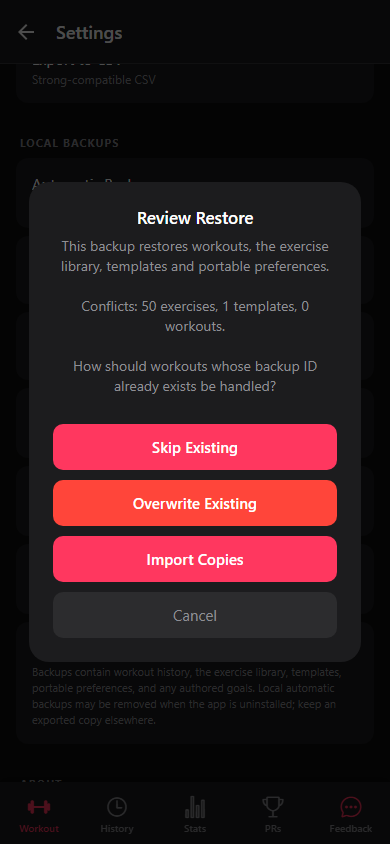
You can make automatic or manual backups and choose how matching items are handled.
Steps
- In Settings, enable automatic backups or choose Back Up Now. This also works before your first finished workout.
- Export a backup before moving devices or clearing data. It can include exercises, templates, finished workouts, and selected settings.
- When restoring, review the contents and choose Skip Existing, Overwrite Existing, or Import Copies.